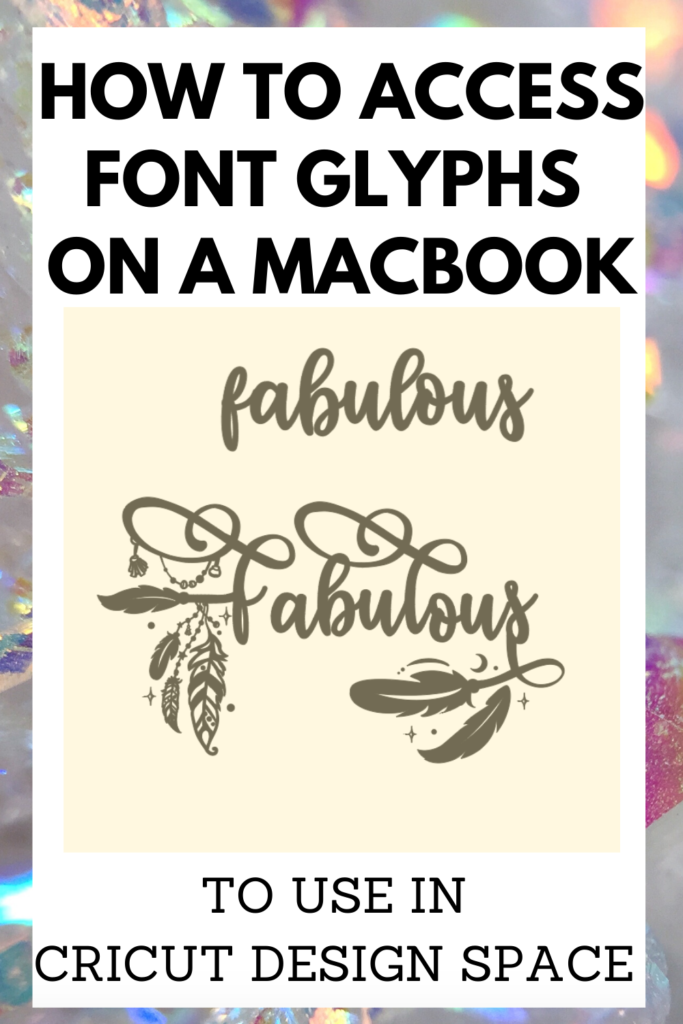
A font glyph is the very best part of a font. Font glyphs are the swoopy, swirly and fun characters of a font. Font glyphs dont just show up when you download the font to your Macbook, you will have to access them.

How to access font glyphs
In the top right corner of your Mac theres a little magnifying glass, thats your Spotlight Search. Click it, search ‘Font Book’ and open it up. Font Book is the application that you initially downloaded your fonts to.

Once in Font Book, search for the font you are trying to use. The font I used is Bohema Spirit, it has TONS of very fun and unique glyphs that I haven’t seen in any other font to date. Pictured below is what Font Book looks like opened up on Bohema Spirit.

Now that you have found your font, looked through all of the glyphs included and identified the one you’d like to use. It is time to get it into Cricut Design Space. There are two ways to get it in there you can
- ‘Command C’ to copy then ‘Command V’ to paste it into your text box in Design Space.
- Right click ‘Copy’ then right click ‘Paste’ into the text box in Design Space


Once pasted in Design space that is all there is to it. You may have to move your font together to Connect your Cursive Font but other than that, thats it! Make sure that if you are making your own file that you check your grammar, nothing is worse than a completed project with incorrect grammar.
It’s not working!
One thing to look out for if it is not working is to make sure that you have the SAME font pulled up in both the Font Book and Design Space. Each of the glyphs is unique to the font and cant be used interchangeably with any other font.
If you need some project inspiration check out these Crafting Blanks! Another resource that may come in handy is these SVG Subscription Plans. The subscription plans include thousands of SVGs for a great price. A subscription is the best way to go if you do a ton of crafting. But if that isn’t your cup of tea, check out these Free Commercial Use SVGs. Or these Free Commercial Use Fonts to get the inspiration flowing.
More Cricut tutorials
Ive put together a list of helpful Cricut tutorials that walks you through various skills that help you become a better designer and crafter.
Good Morning Chaos is a participant in the Amazon Services LLC Associates Program and various other affiliate programs, affiliate advertising programs designed to provide means for sites to earn advertising fees by advertising and linking to goodmorningchaos.com
